Instagram Image Sizes 2026: The Complete Guide for Feed, Grid, Stories, and Reels
In this guide
- New in 2026: 3:4 feed posts are supported, matching the 3:4 profile grid
- Use 1080 px width as your baseline for crisp results
- Design for grid cropping with a centered safe zone
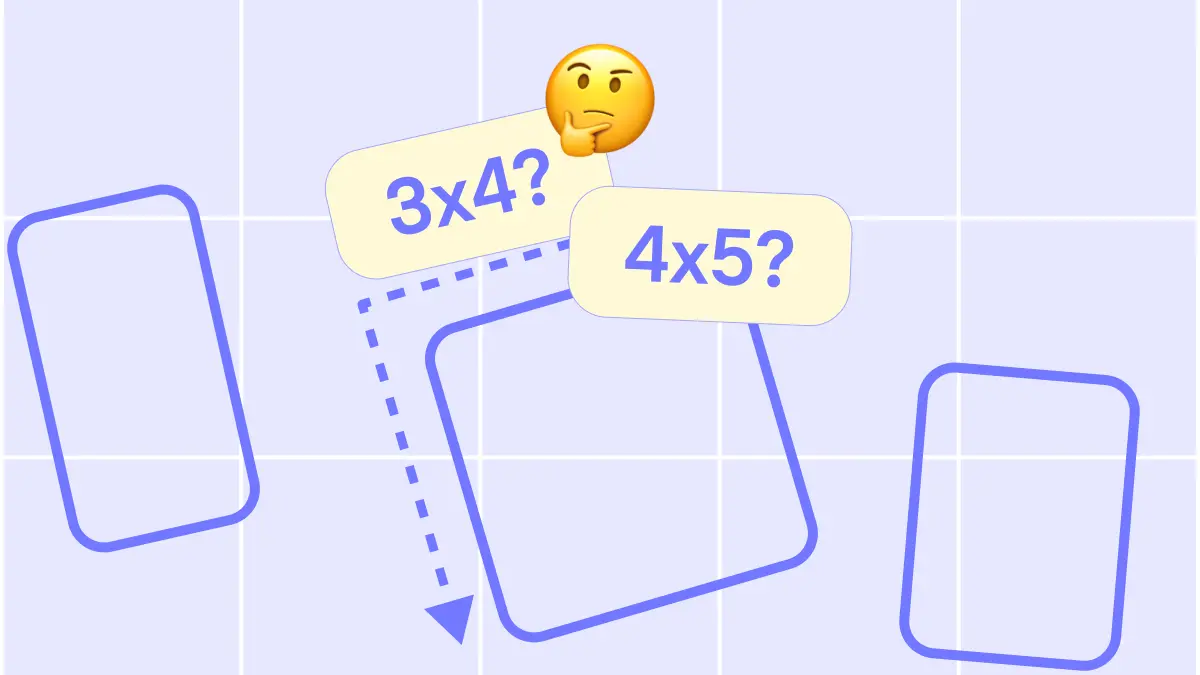
Instagram formats keep evolving. In 2026, the big shift is simple: the profile grid is 3:4, and feed posts can now be 3:4 too. This guide gives you the exact dimensions and practical design rules to avoid surprise crops and keep your grid consistent.
Contents
The 2026 cheat sheet (save this)
Feed posts and carousels
- Best for maximum “full photo” look in 2026: 1080 × 1440 (3:4)
- Still great (classic portrait): 1080 × 1350 (4:5)
- Square: 1080 × 1080 (1:1)
- Landscape: 1080 × 566 (1.91:1)
Full-screen formats
- Stories: 1080 × 1920 (9:16)
- Reels: 1080 × 1920 (9:16)
- Reel cover canvas: 1080 × 1920 (9:16)
Profile elements
- Profile photo: 320 × 320 (1:1) (displays as a circle)
What changed in 2026 (and why your grid may look “off”)
1) The profile grid preview is 3:4
Your profile now previews content in a taller rectangle instead of a perfect square. That’s why older designs that relied on square thumbnails can feel oddly cropped or misaligned.
2) 3:4 feed posts are now supported
Instagram can now display photos in 3:4 in the feed, which better matches how most phone cameras shoot and aligns more naturally with the new grid preview. This reduces the “mystery crop” effect you used to get when posting 4:5 content.
The rule that prevents 90% of cropping mistakes
Always design with a centered safe zone
Even when you upload 3:4, your content is still shown in different contexts:
- feed
- profile grid preview
- explore/recommendations
- share previews
To stay safe:
- Keep faces, logos, and key text centered.
- Avoid placing important details near the top/bottom edges.
- If you use big typography, increase padding more than you think you need.
If you want to verify the layout before publishing, use an instagram grid preview workflow. Gridley is built for this: you can rearrange upcoming posts, see how they sit in the grid, and plan the order in a content calendar.
Feed post sizes (single photo)
3:4 portrait (recommended in 2026)
- 1080 × 1440 (3:4)
Use this when you want your feed post to look closest to your original camera framing and to match the 3:4 grid preview more naturally.
4:5 portrait (still widely used)
- 1080 × 1350 (4:5)
This is still a strong default if your workflow already relies on 4:5 templates. Just keep your “grid-critical” elements centered.
1:1 square
- 1080 × 1080 (1:1)
Square still works, but it typically gives you less visual presence compared to vertical formats.
1.91:1 landscape
- 1080 × 566 (1.91:1)
Best for wide scenes, but it will feel smaller in the feed. Use when the composition really needs width.
Carousel post sizes (multiple images)
The first slide sets the crop
Instagram applies the first slide’s aspect ratio across the carousel experience. If slide one is 3:4, treat the whole carousel as 3:4.
Best practice for carousels
- Pick one ratio (3:4 or 4:5) and crop all slides to match before upload.
- Avoid mixing ratios unless you want inconsistent framing.
Stories sizes (and safe zones)
Recommended size
- 1080 × 1920 (9:16)
Practical Story layout tips
- Leave extra top and bottom space for Instagram UI.
- Use thicker fonts or larger text than you would in feed posts.
- If you paste a square photo into a Story, place it on a 1080 × 1920 canvas intentionally instead of letting Instagram auto-fit it.
Reels sizes (and how covers get cropped)
Recommended Reel size
- 1080 × 1920 (9:16)
Cover design rule
Design the cover on a full 9:16 canvas, but make sure the “title area” and main subject stay centered. Reels covers can appear cropped differently in the grid preview, so centered composition is your best friend.
Gridley helps you catch this early by letting you preview Reels alongside posts in your planned layout, not just as separate assets.
Profile photo size
Recommended
- 320 × 320 (1:1)
Because it displays as a circle:
- Keep your icon or face centered.
- Avoid details in corners.
Export settings that keep content sharp (without overthinking)
Photos
- Use JPG for photos.
- Keep 1080 px width as a baseline for Instagram-ready clarity.
- Export in sRGB.
Graphics
- Use PNG for sharp typography, flat shapes, or transparency.
- Avoid tiny, thin text. Compression will blur it.
Quick “looks pro” tip
If your text looks soft after upload, it’s usually too small or too thin. Increase font size and weight, then re-export.
Quick workflow: plan content so the grid stays clean
A simple weekly routine
- Create assets in 3:4 (1080 × 1440) for feed posts when possible.
- Keep key elements inside a centered safe zone.
- Prep Stories/Reels in 9:16 (1080 × 1920).
- Arrange your next 6–12 posts in a grid preview.
- Schedule dates in your content calendar and adjust order for a consistent layout.
Gridley fits naturally here as your instagram planner: grid preview, feed preview, and content calendar in one place.
Common mistakes (and how to fix them fast)
“My post looks perfect in the feed but weird in the grid”
Fix: move key elements toward the center and design with 3:4 preview in mind.
“My carousel slides crop differently”
Fix: ensure all slides share the same aspect ratio as slide one.
“My Story text is hard to read”
Fix: increase font size and keep it away from edges.
Summary
In 2026, the simplest strategy is: design feed content in 3:4 (1080 × 1440), keep a centered safe zone, and treat Stories/Reels as full-screen 9:16 (1080 × 1920). You’ll avoid surprise crops and your profile will look more intentional.
If you want to preview your next layout before you post, plan it in Gridley with a grid preview and content calendar.
Ready to plan your next posts?
Start free and make your grid look intentional.